Sharing a Candidate
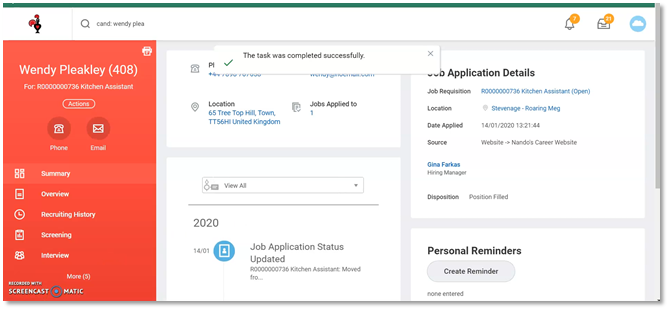
1. Start on the candidate profile – you can view this by clicking on the candidate name
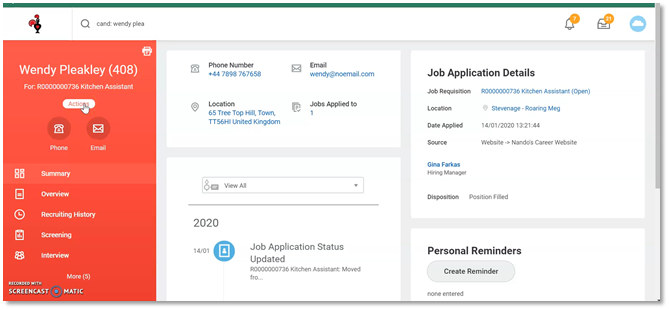
Click on the “Actions” button under the candidate name on the profile.
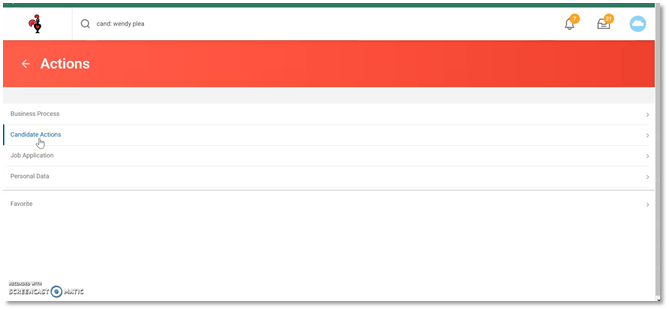
2. Click on “Candidate Actions”
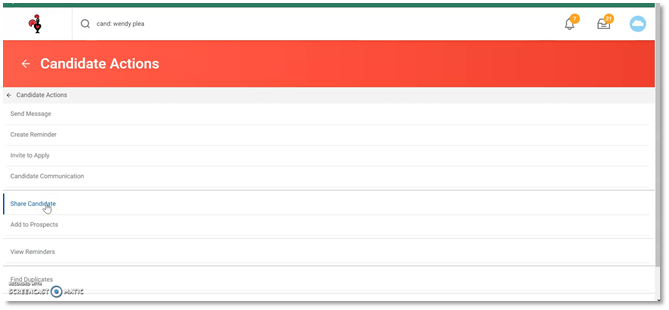
3. Click on “Share Candidate”
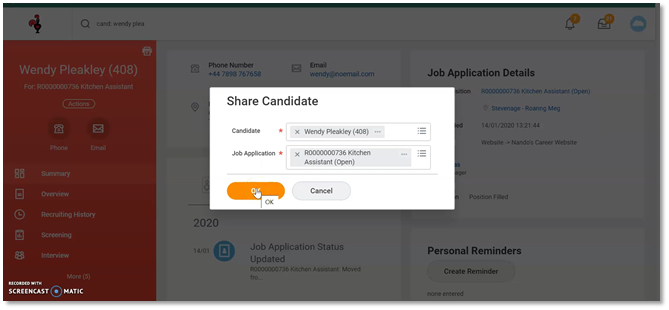
4. Candidate and Job Application should default info in
Click “OK”
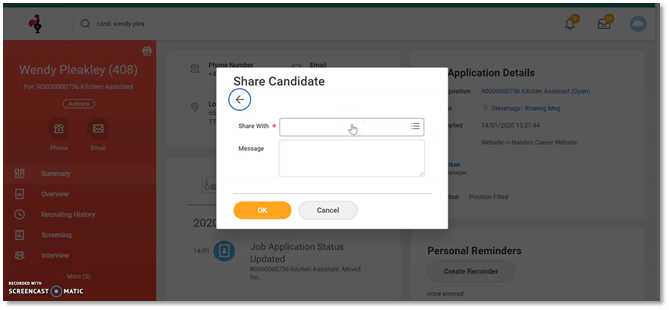
5. Click in the “Share With” box
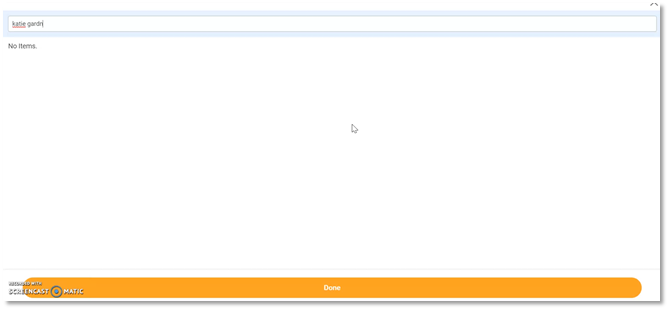
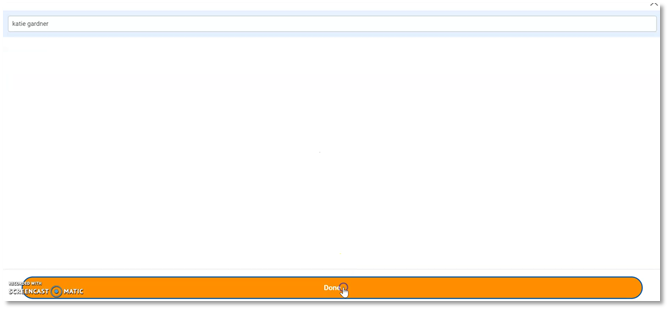
6. Type the name of the person you want to share with
7. When there name appears below make sure the tick box is ticked
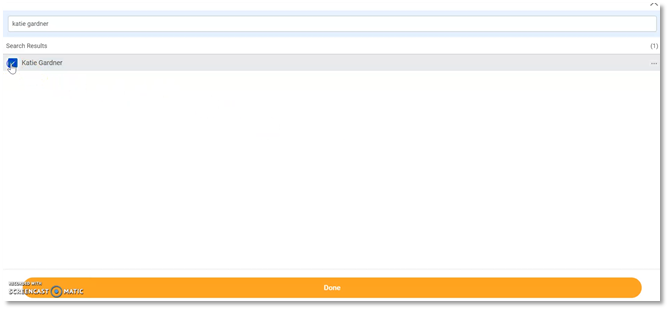
8. Press “Done”
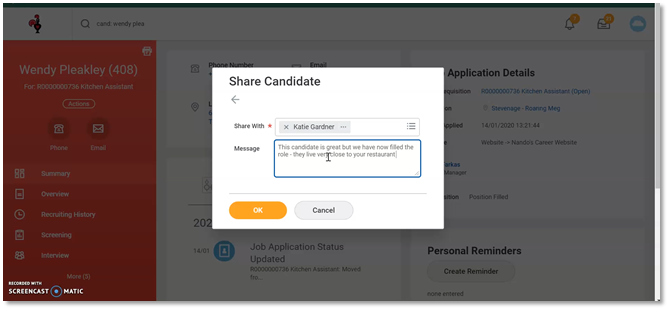
9. Type a message to the recipient about the candidate you are sharing and why you are sharing them
10. Click “OK”
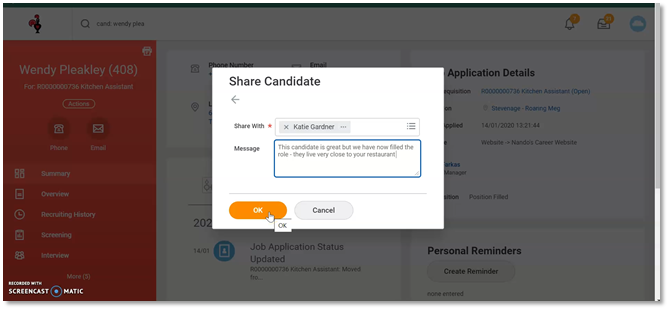
11. A pop up box will appear saying the task has been completed