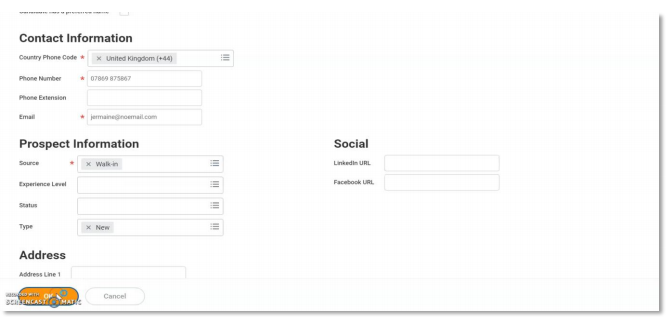
Creating a prospect candidate
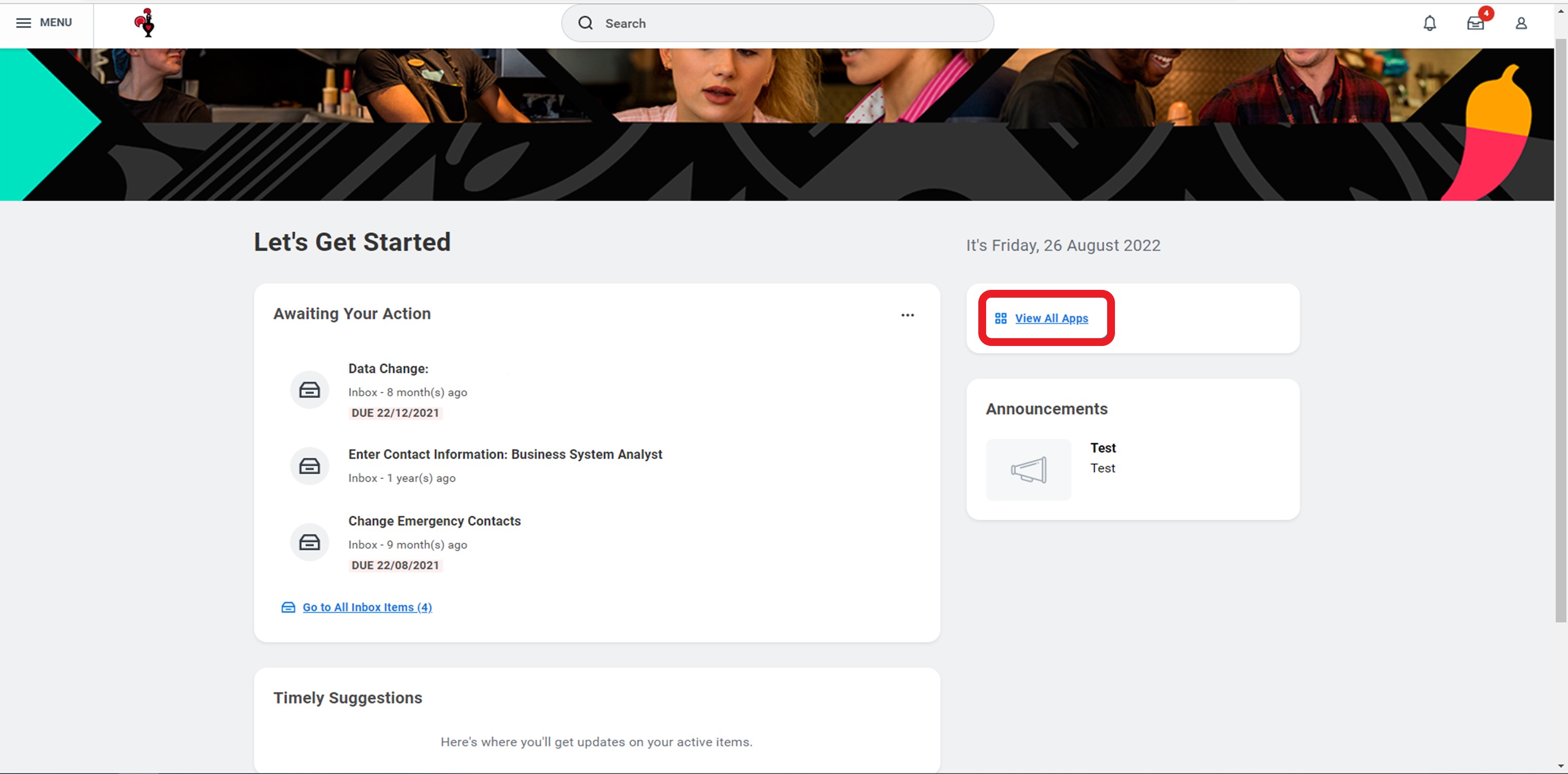
1. Select View all Apps from Homepage
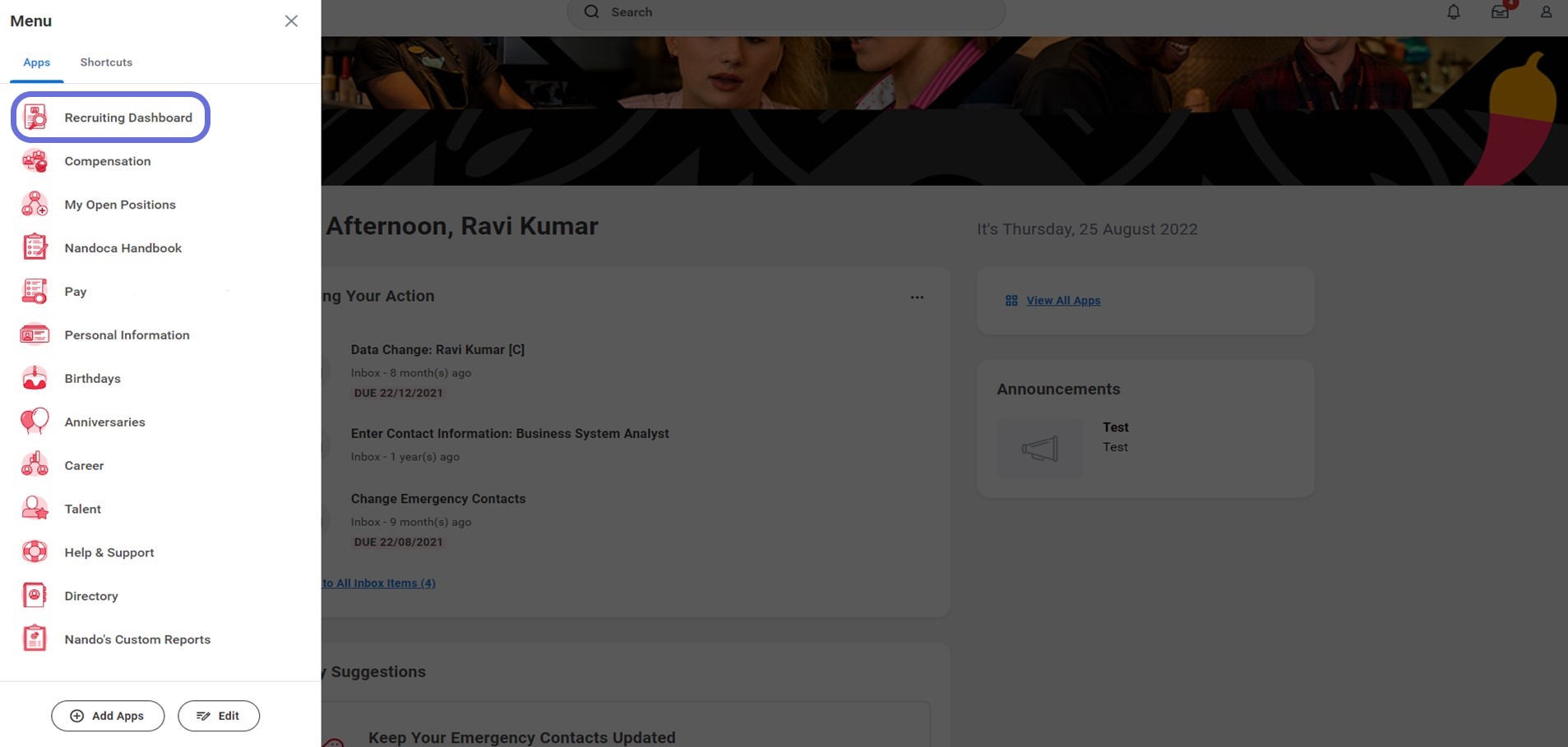
2. Select Recruiting Dashboard from the Apps list.
3. Under actions select ‘more’ 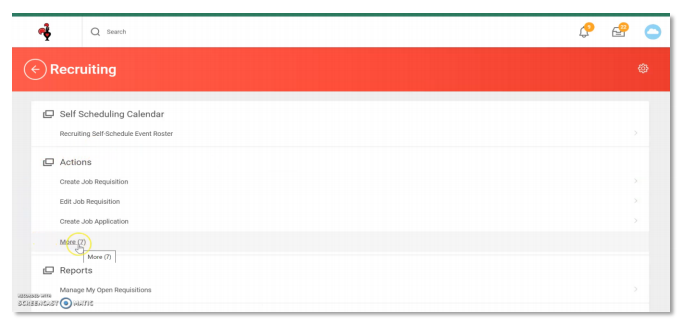
4. Select ‘Create Prospect’ 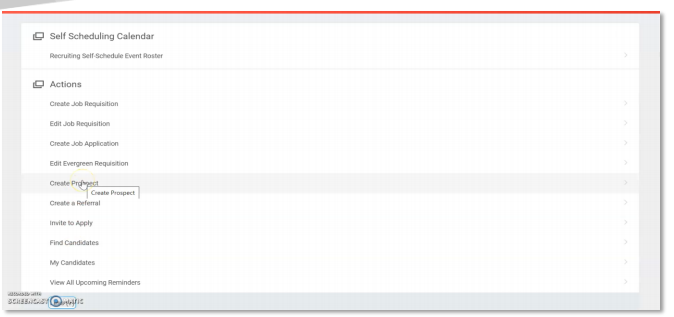
5. Create Prospect page will open
Select ‘Create new prospect’
Click OK 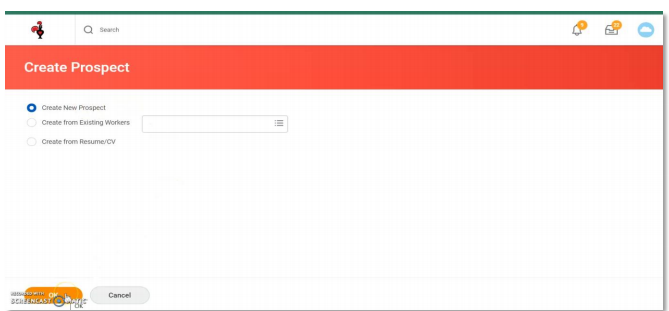
6. Enter Candidates First Name 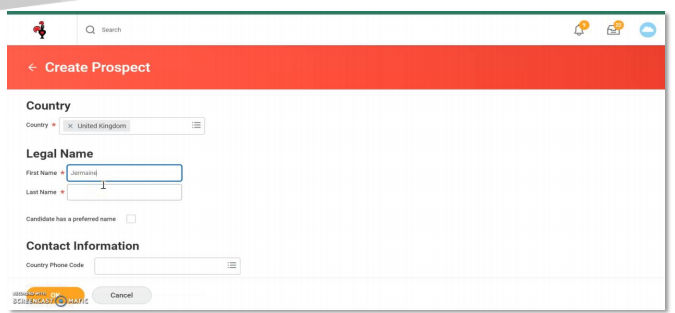
7. Enter Candidates and Last Name 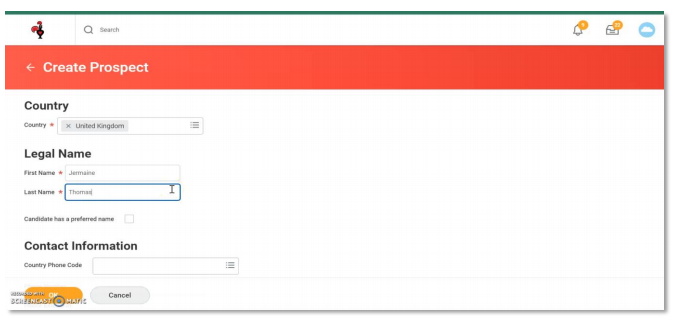
8. Scroll down and enter Candidates contact information in boxes below 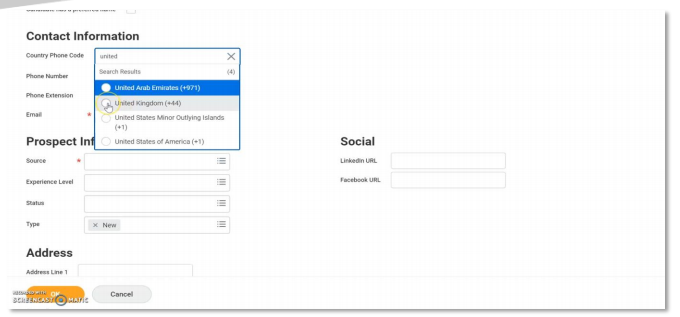
9. Enter contact number 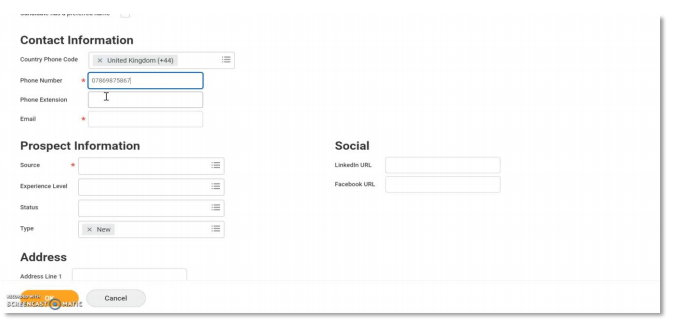
10. Enter email address 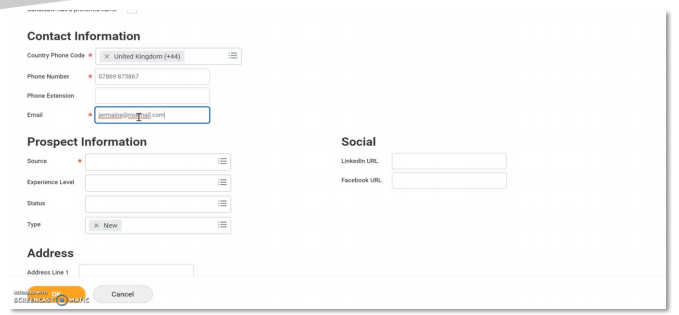
11. Under prospect information select ‘Source’
For walk-ins select ‘other’ 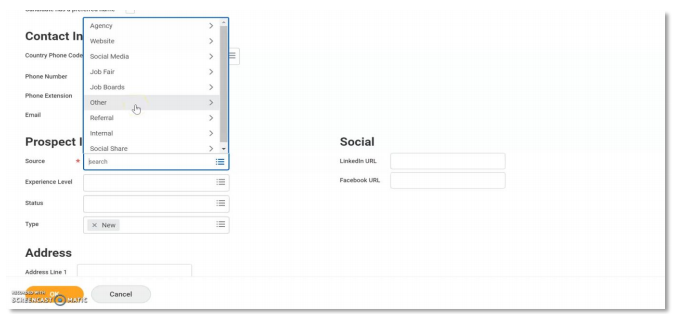
12. Select Walk in 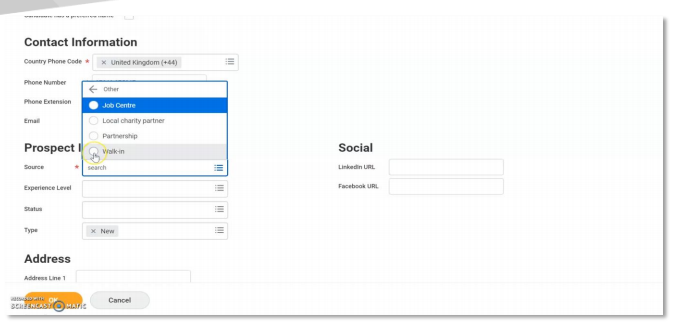
13. Other information on the page is optional
Scroll down to the bottom of the page and click OK