Monitoring Onboarding
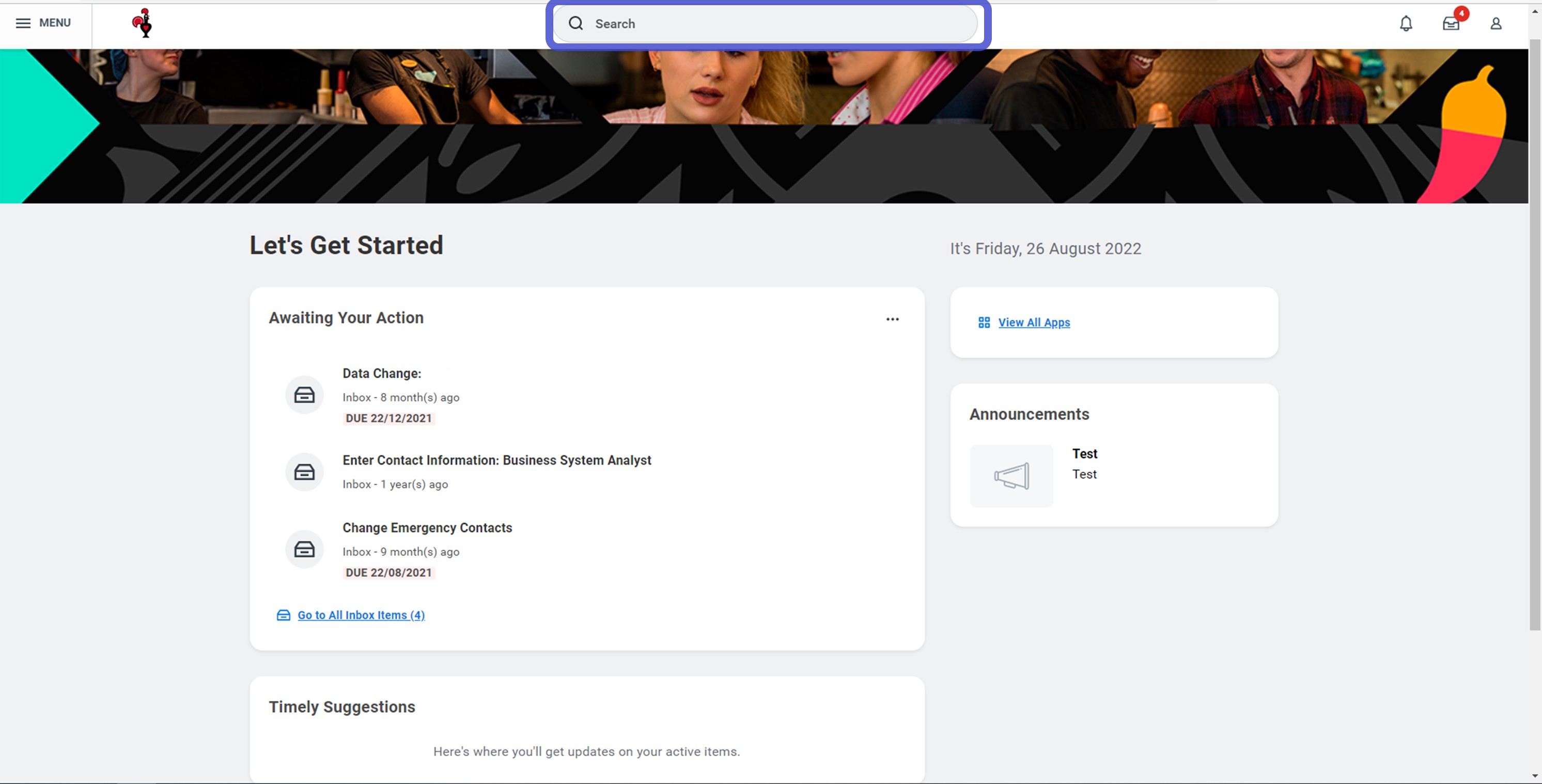
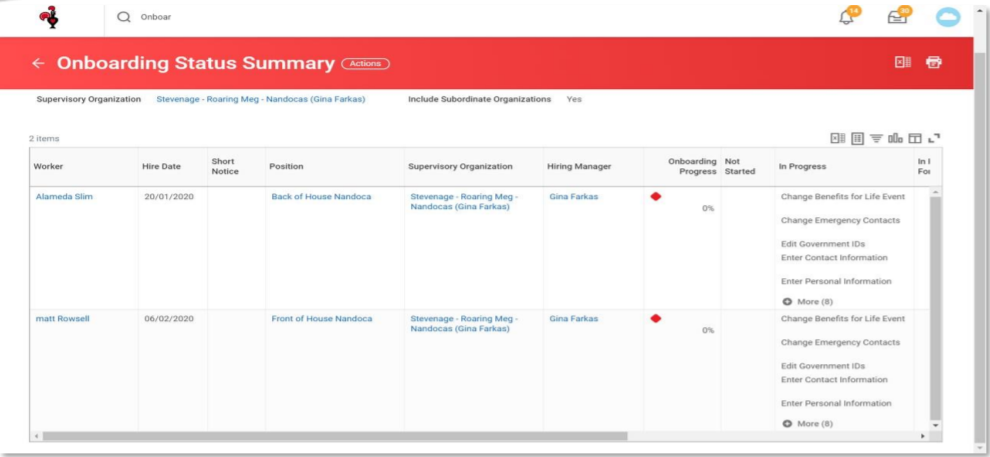
1. From your homepage type Onboarding into the search bar and select Onboarding Status Summary
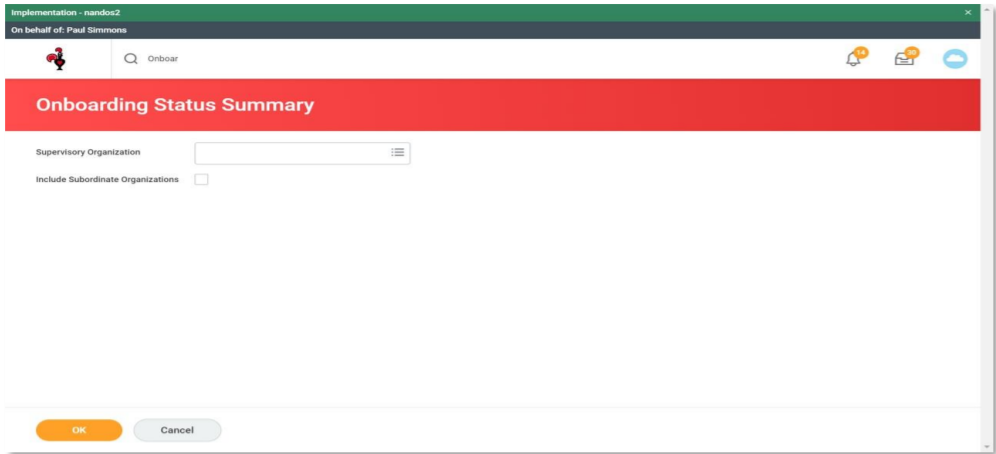
2. Type in the ‘Supervisory Org’ you want to look at e.g. Stevenage or Technology or North London
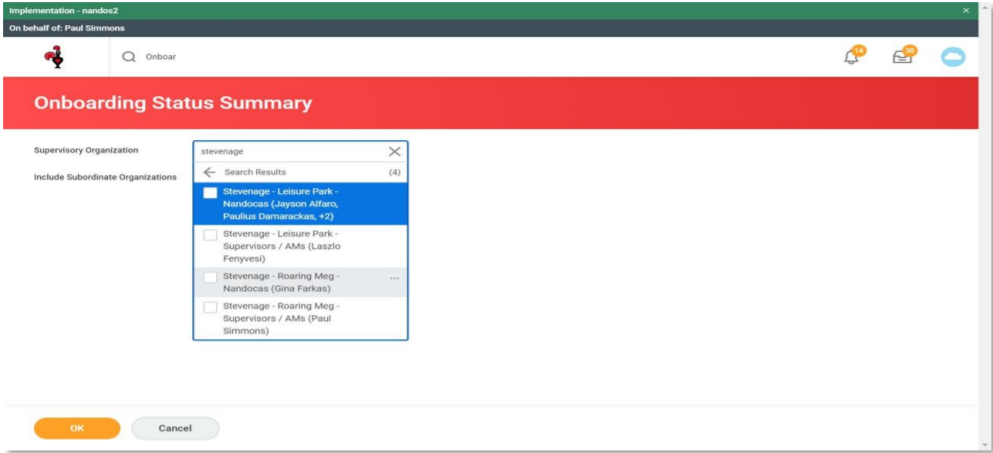
3. Select the correct Org.
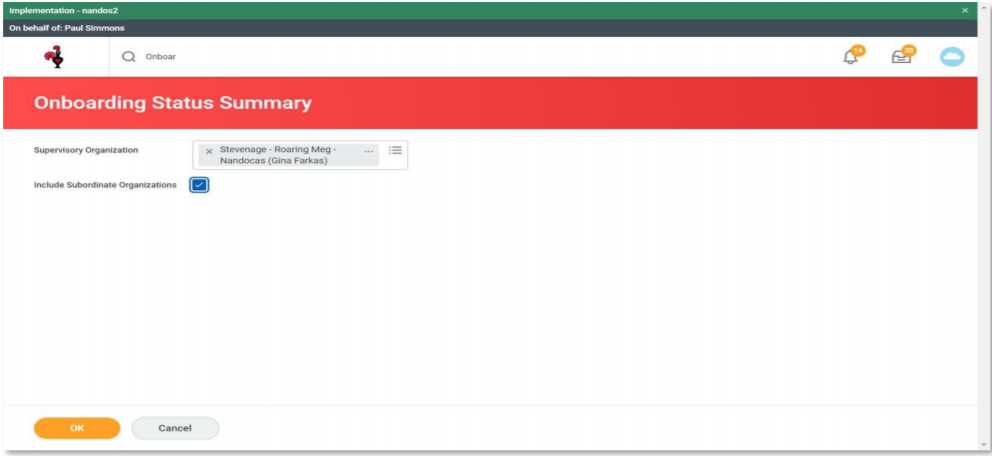
4. Click the box to Include Subordinate Organizations (all of the teams that sit underneath the one
you selected) Click OK
5. You will now be shown the detail of all the onboarding Nandocas, their progress and what tasks are
outstanding.
*Please make sure your new Nandoca has completed all of their On-Boarding tasks before/on day one otherwise their pay may be impacted*