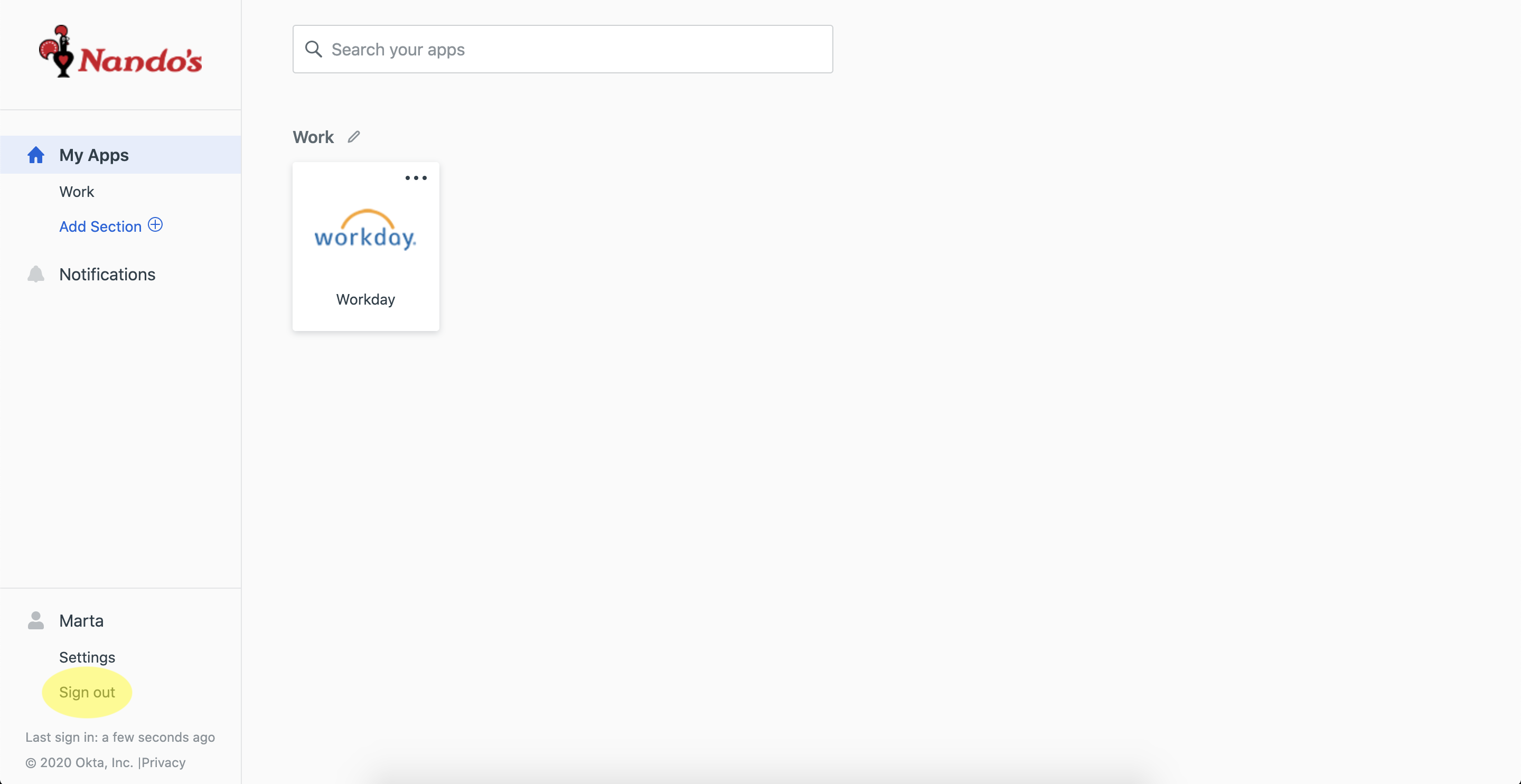
This guide is for those using Shared Restaurant Desktops & Laptops signed in as the Restaurant User. This is accessed by a number of Nandocas using the same username and password for the restaurant.
Workday cannot be accessed via the eLearning login on a Restaurant Laptop.
Please remember to sign out of Workday and the Nandoca Family Dashboard when you have finished.
1. Sign into the Restaurant machine as the Restaurant User
2. Open BEV and click on the Nandoca Family Dashboard icon

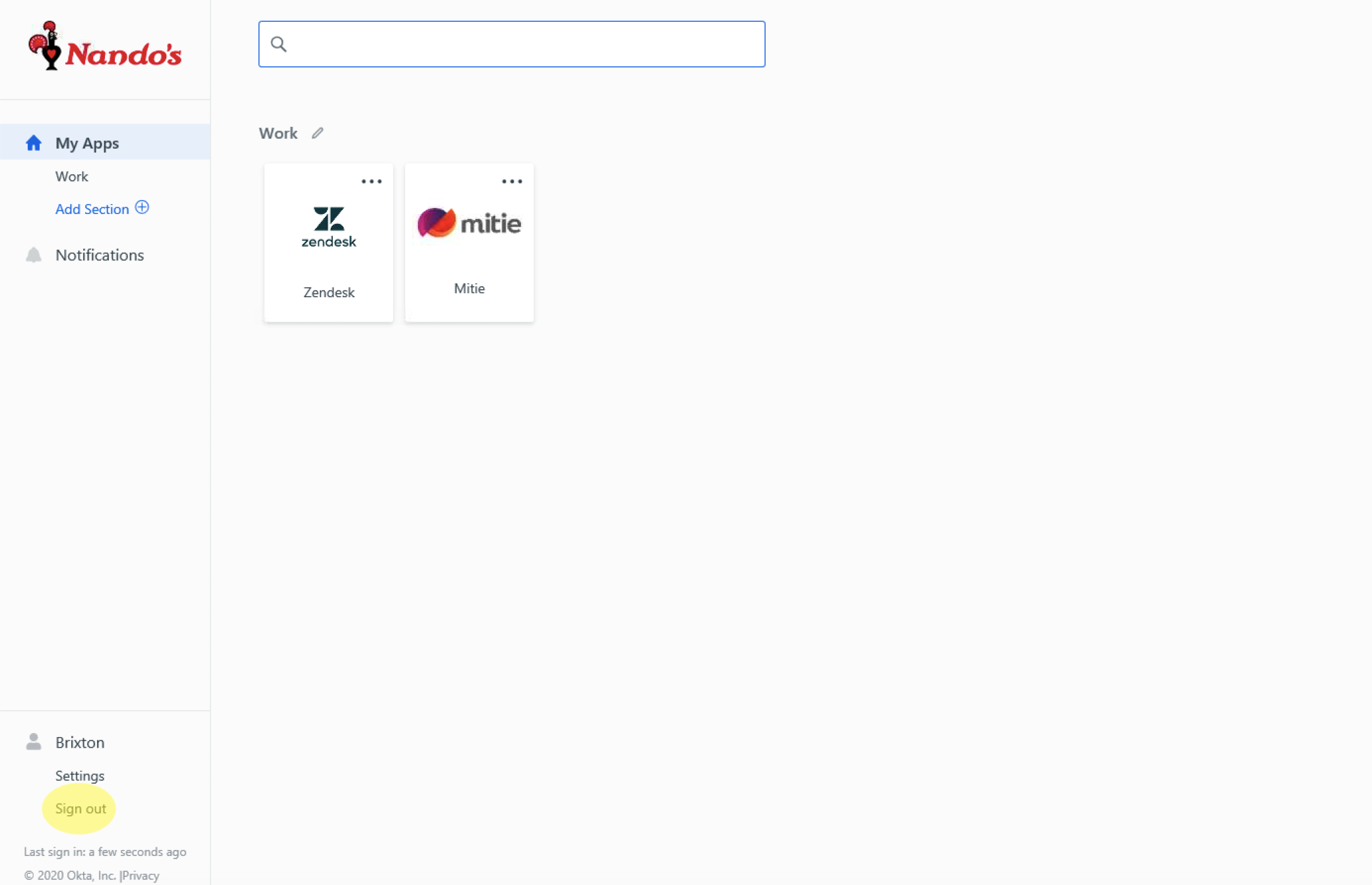
3. When the Nandoca Family Dashboard opens, it may already be signed in as the Restaurant User - Sign Out of the Restaurant User from the Dashboard (bottom left of the Dashboard)
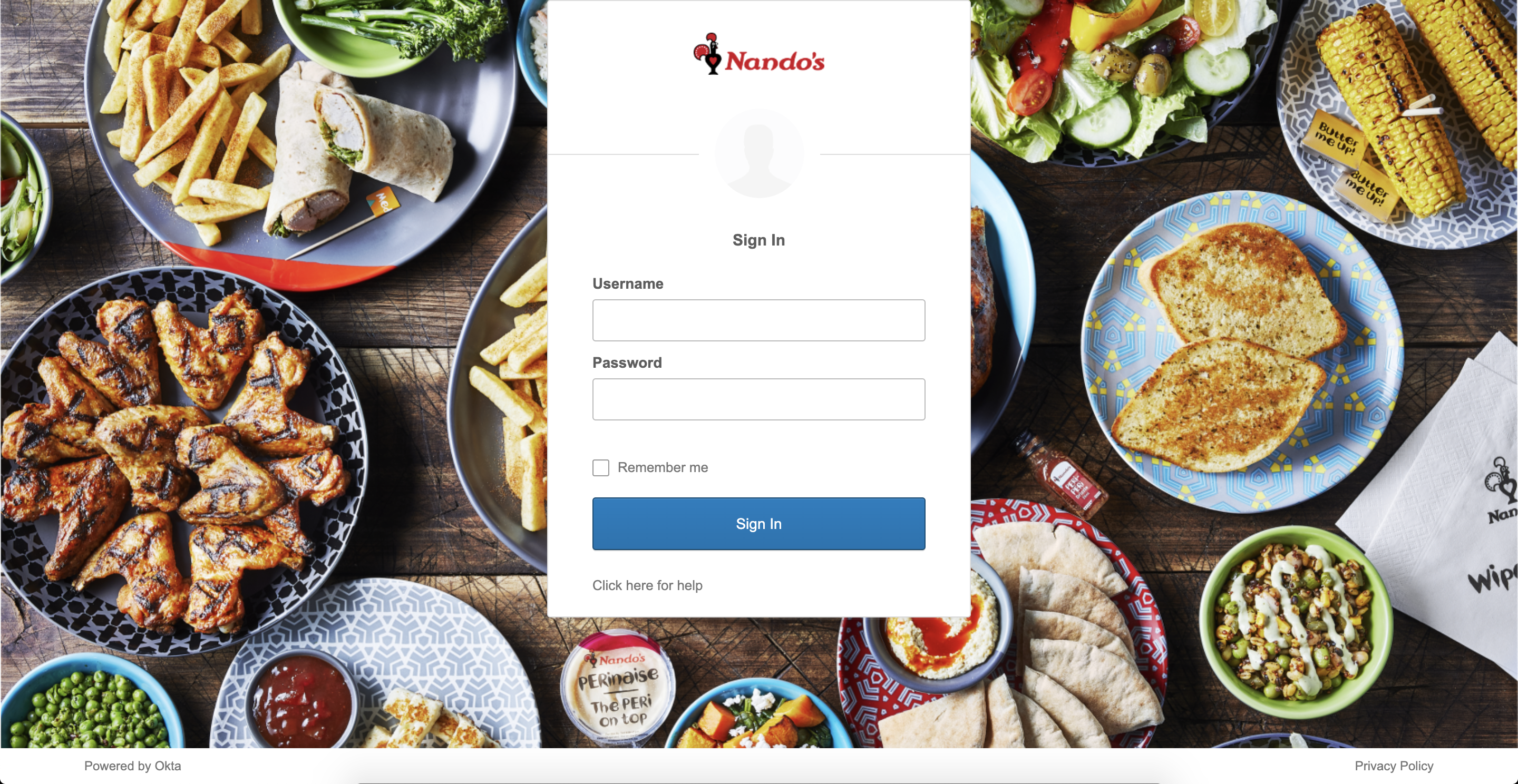
4. You will now see the Nandoca Family Dashboard Sign In screen
- Enter your Nandoca ID (email) username and password, click Sign In. Ensure the Remember me box remains unticked.
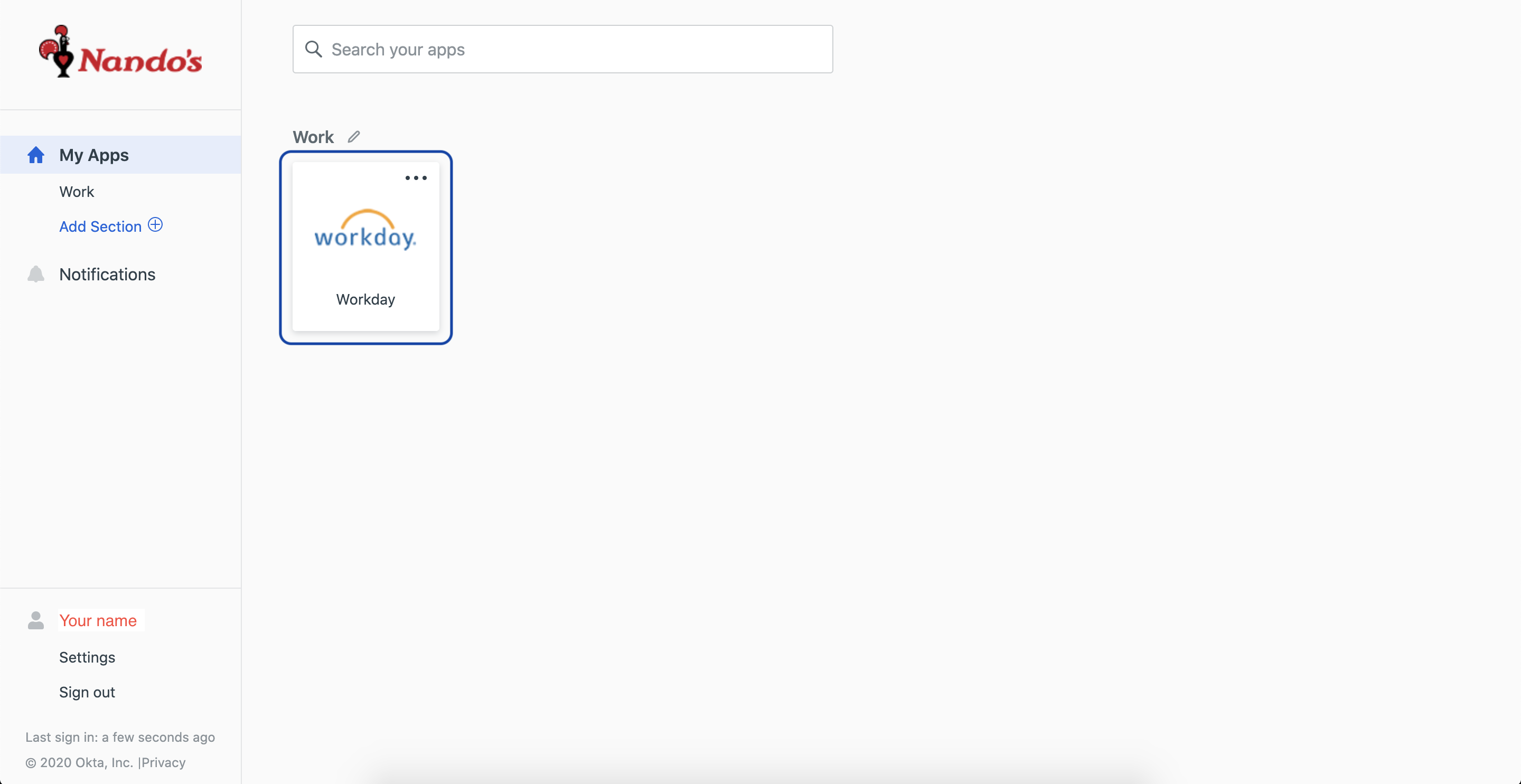
5. You are now signed into the Nandoca Family Dashboard as you. Click the Workday icon
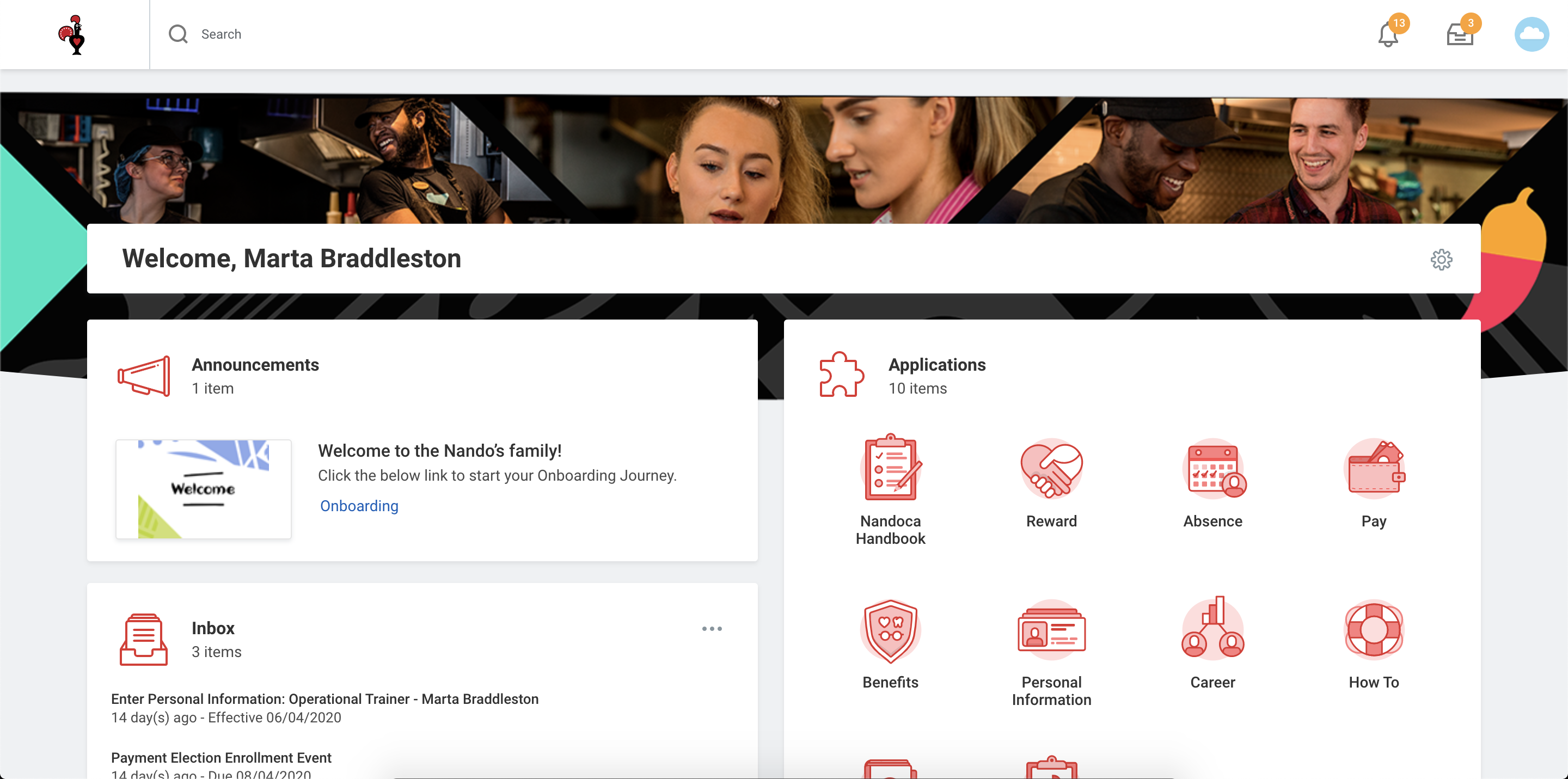
6. You will now be logged into Workday!
7. Once you have finished your task on Workday, close the web browser tab and Sign Out of the Nandoca Family Dashboard