1. Search for Workday in the app store from your mobile device – Apple store/Google play
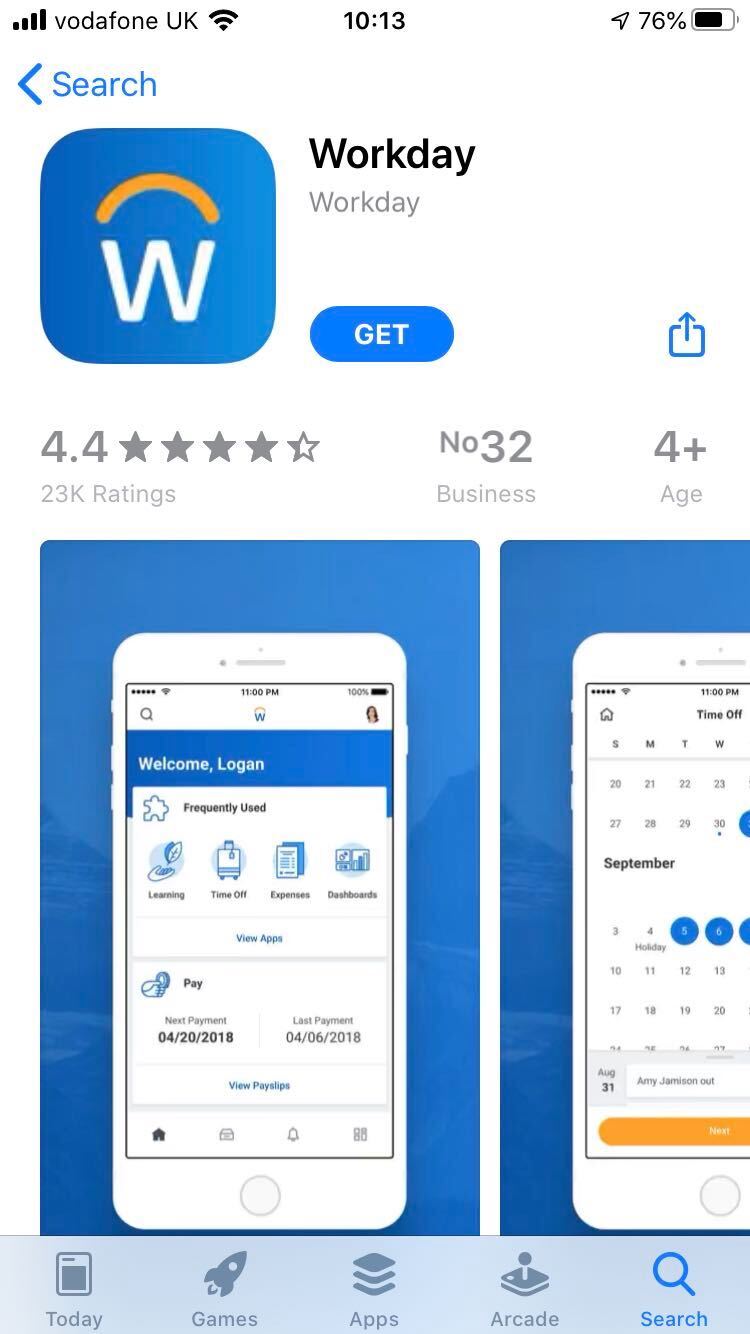
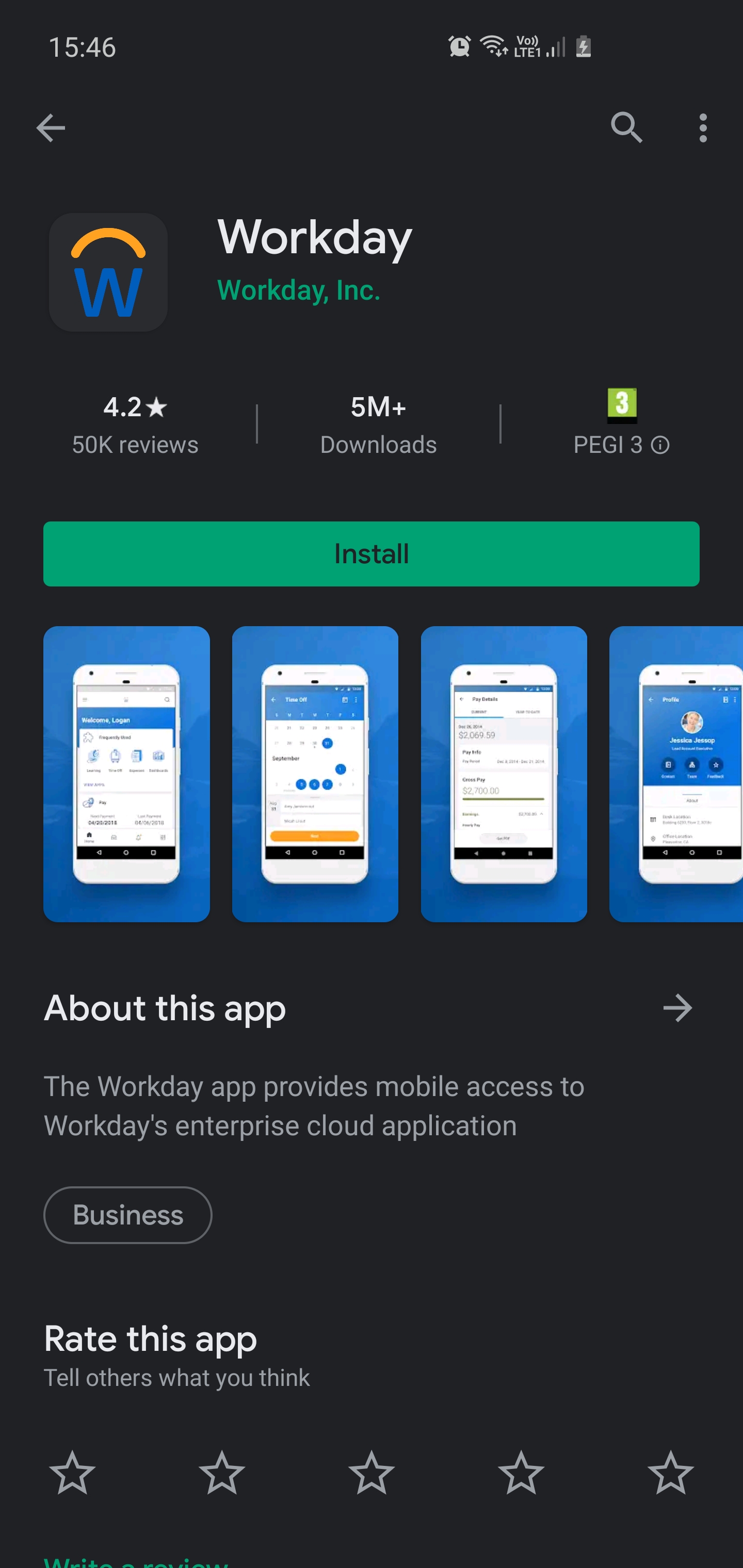
2. Click Get/Install.
3. Once the application has installed, open the Workday App
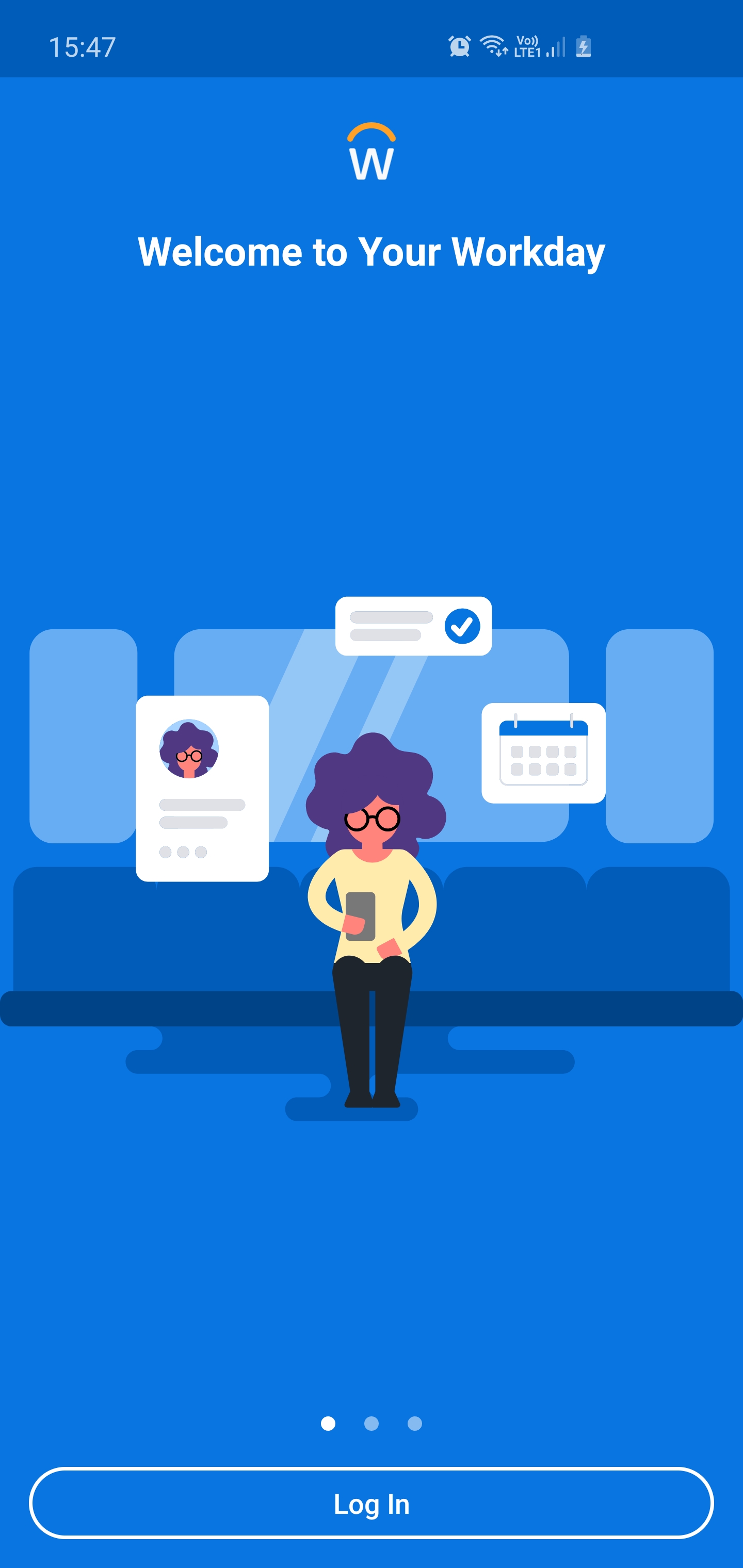
4. When you open the app you will see the below screen, click Log In
5. When you are asked to enter your Organization ID, enter: nandos
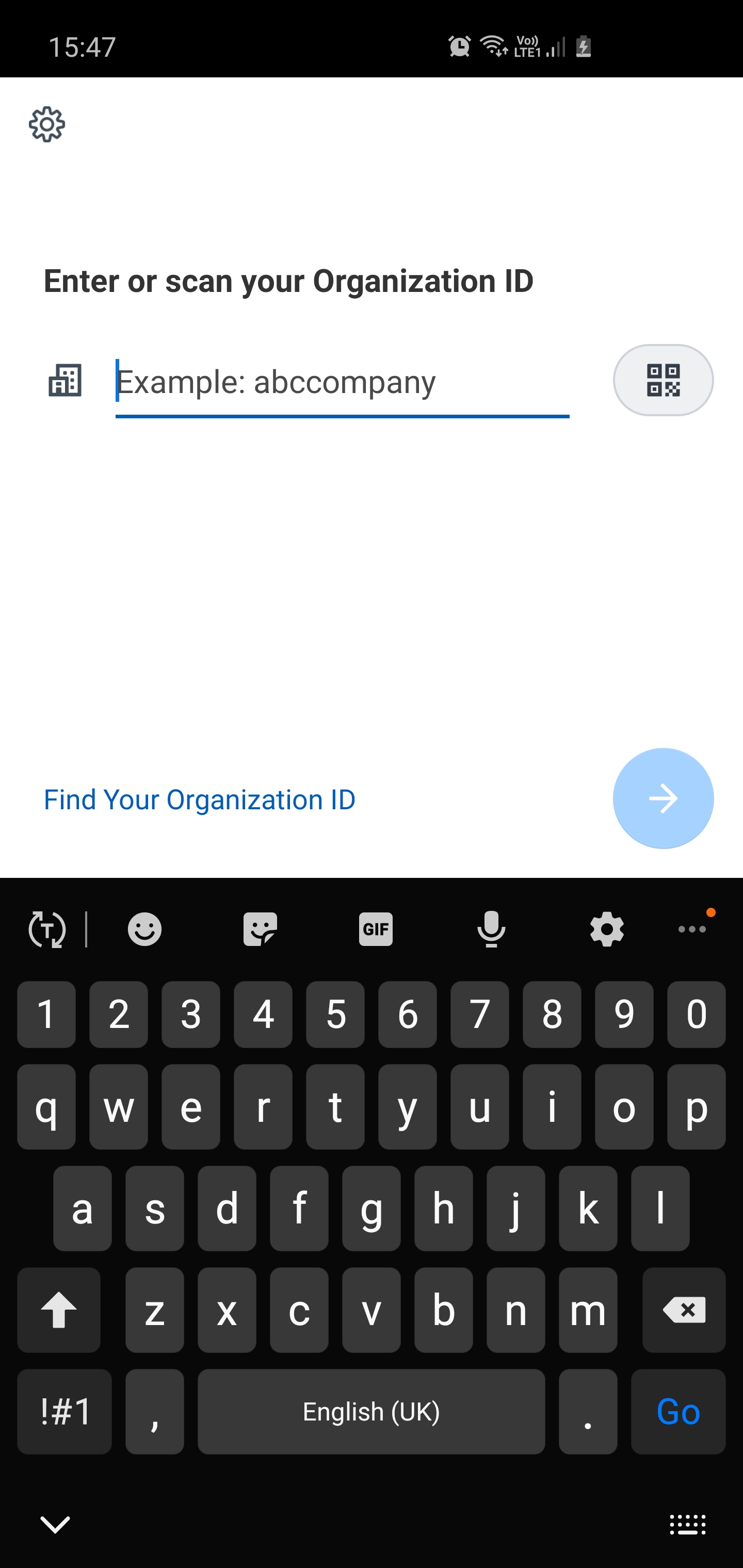
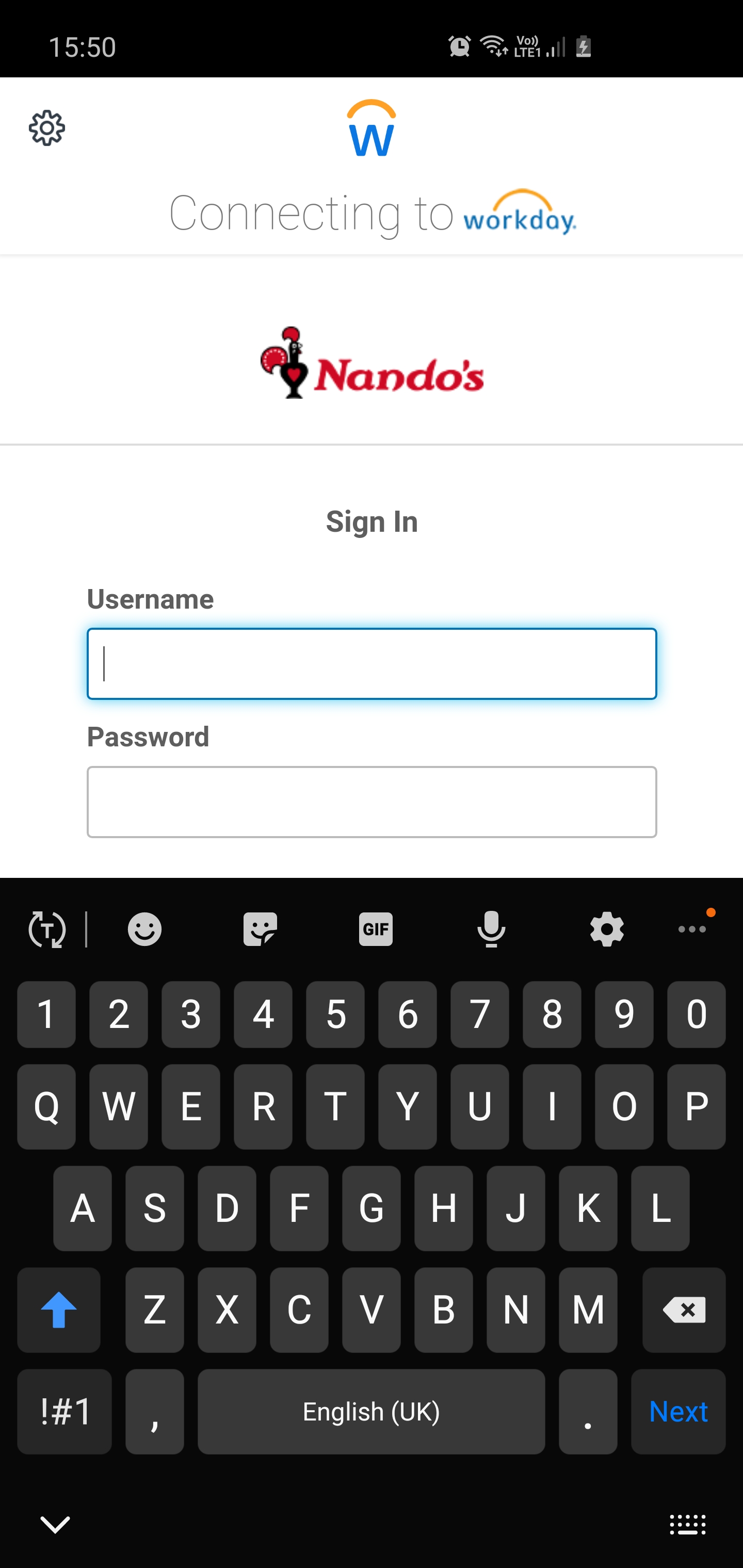
6. Enter your username and password
- Your username will be your Nandoca ID
- Your password is the one you set via email link
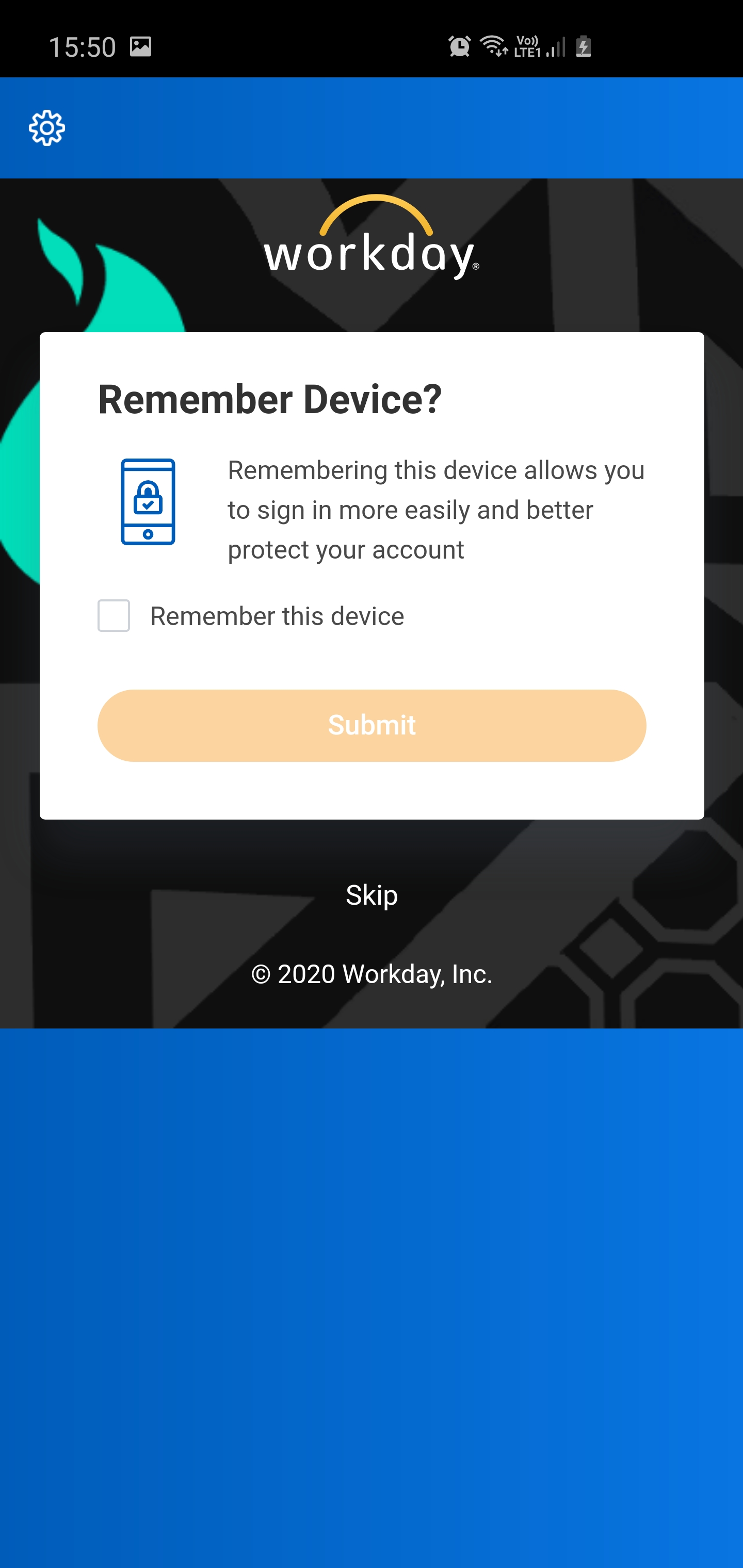
7. Select Remember this device, this will make it quicker and easier to log in in the future.
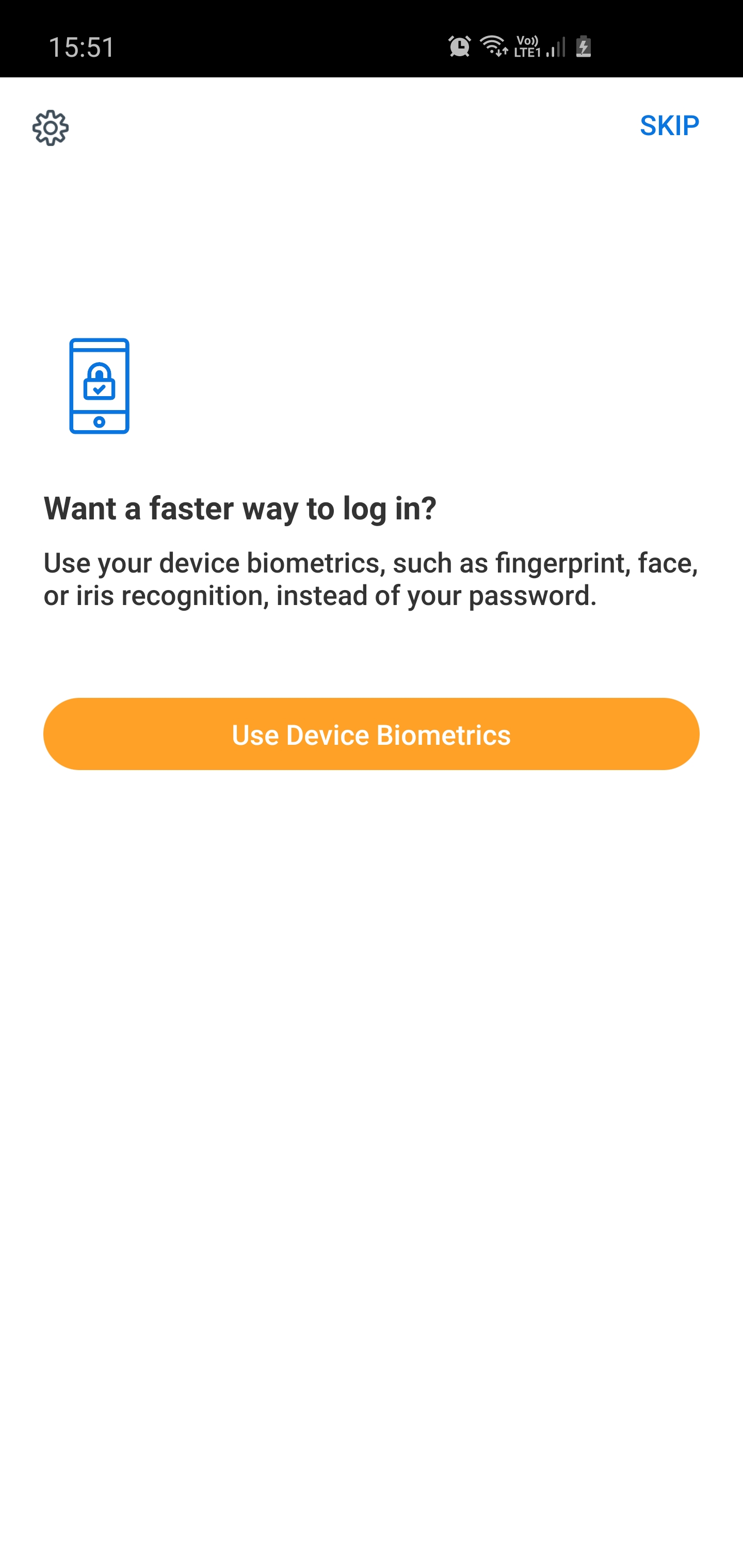
8. If your mobile has a fingerprint scanner or facial recognition you will have the option to enable them as a sign-in method. If you decide not to use those options, you can use a PIN.
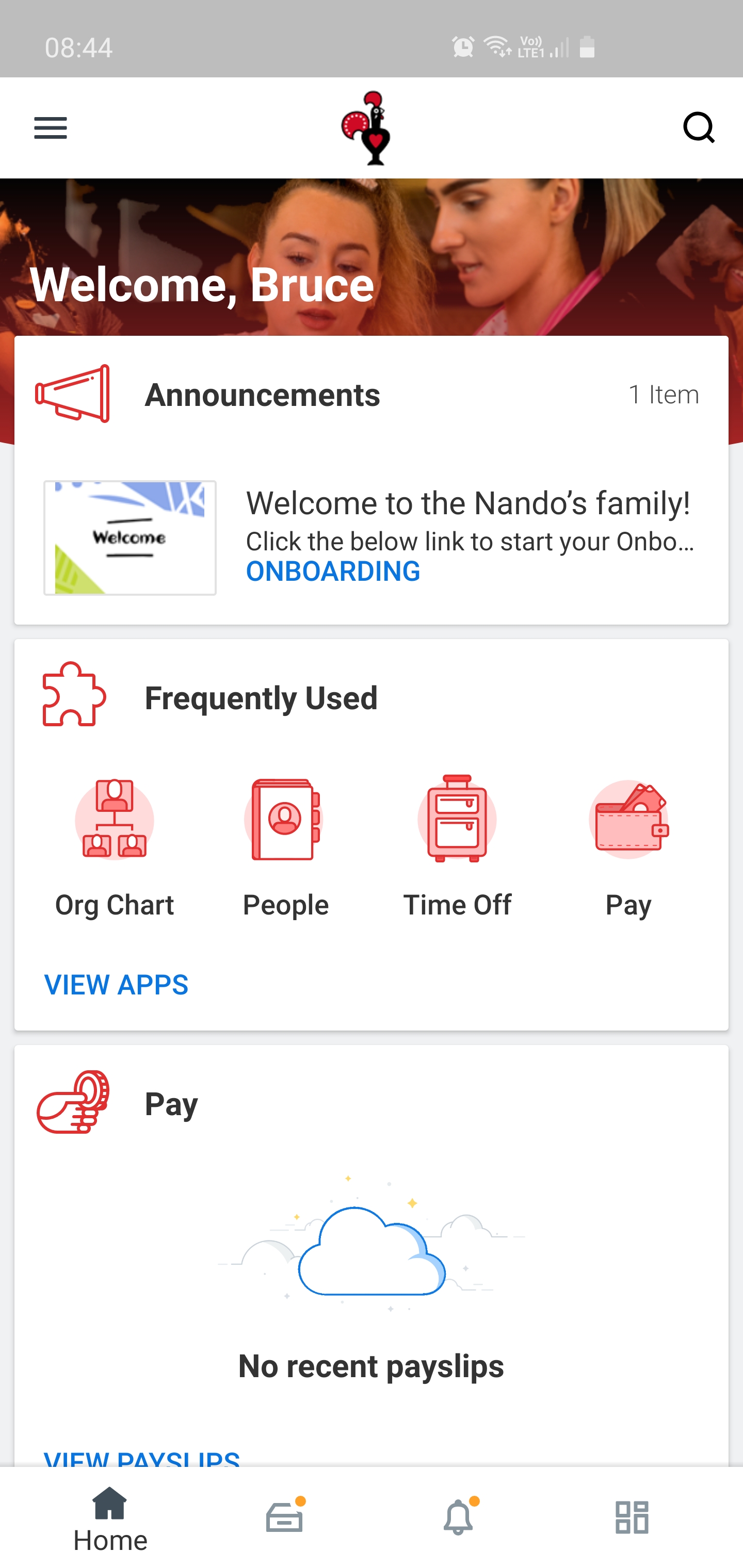
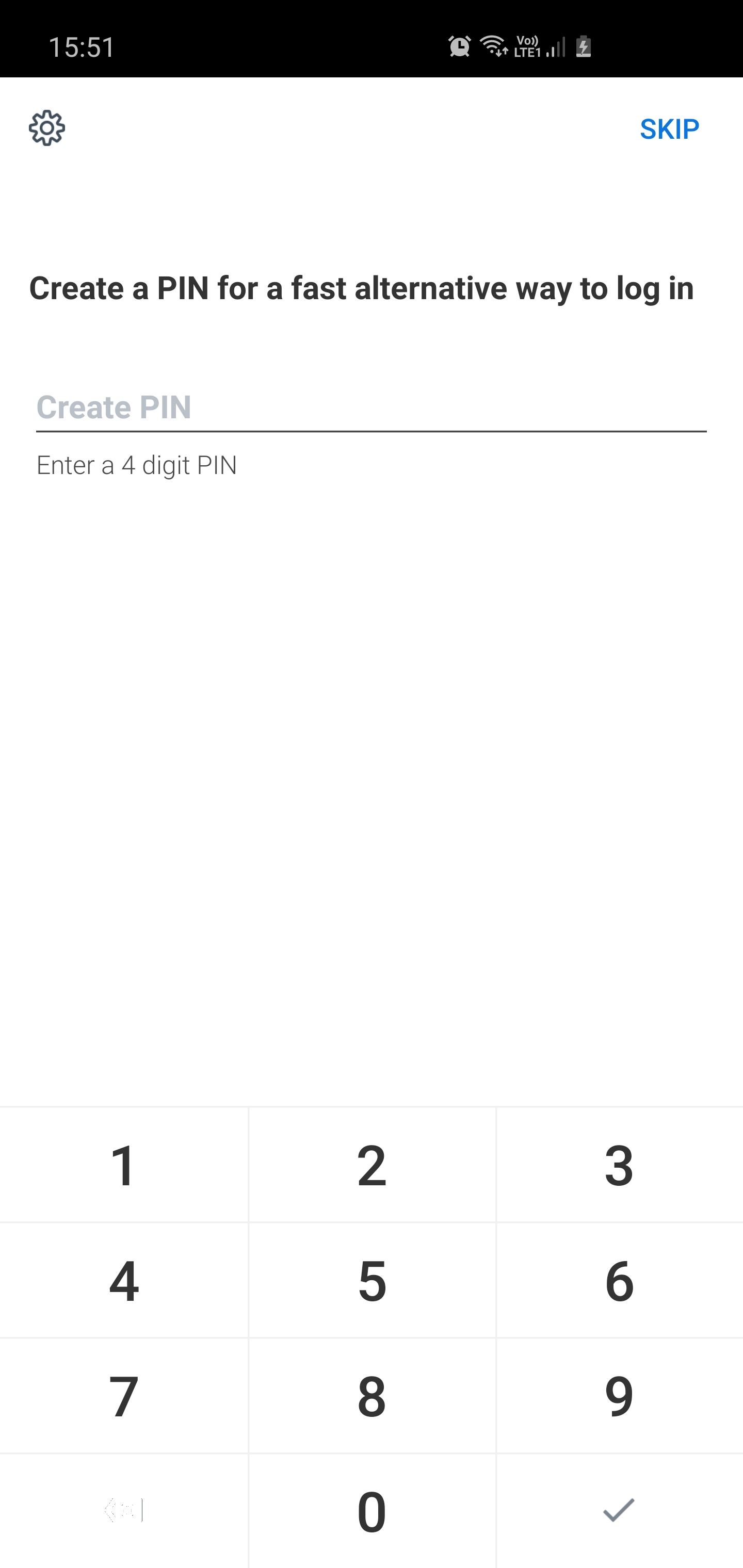
9. Create a PIN for sign-in. If you decide not to set a PIN, you will need be required to enter your username and password when you next open the Workday app.
10. Your app is now setup and you are signed into the Workday App – Hoorah