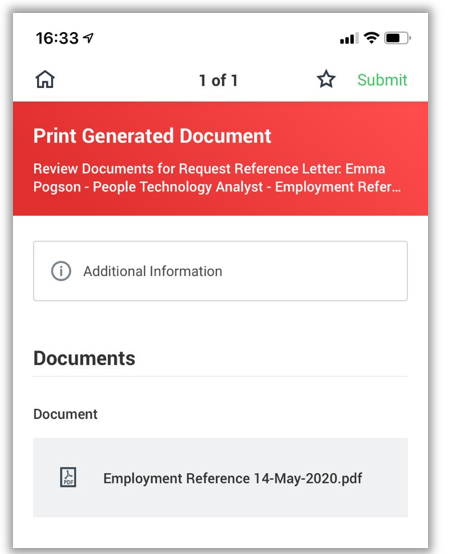
How do I request a reference in Workday (desktop)
1. In the Search bar type 'Reference Request'.

2. Select the Reference type you require and click Submit.
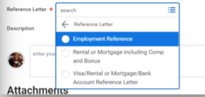
3. Go to your Workday Inbox and your reference request will appear. You can open, print or save the document from here.
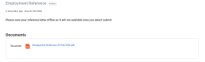
How do I request a reference on the Workday mobile app
1. From your homepage click on your picture/the cloud in the top right corner 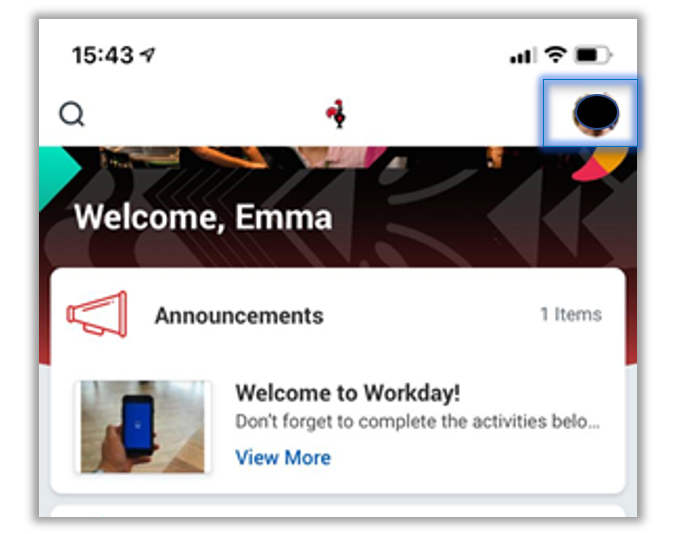
2. Click View Profile

3. Click on the three dots (actions) 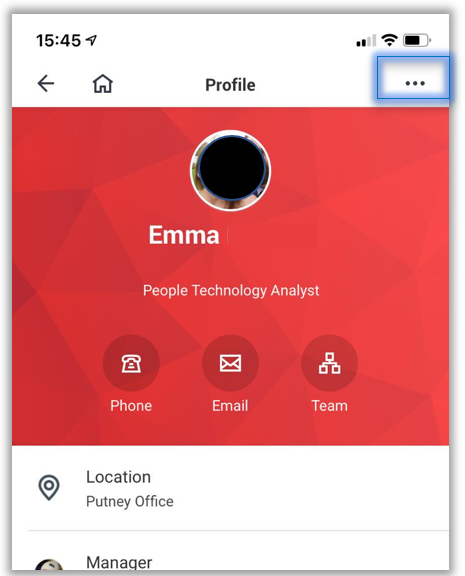
4. Scroll down to Worker Request
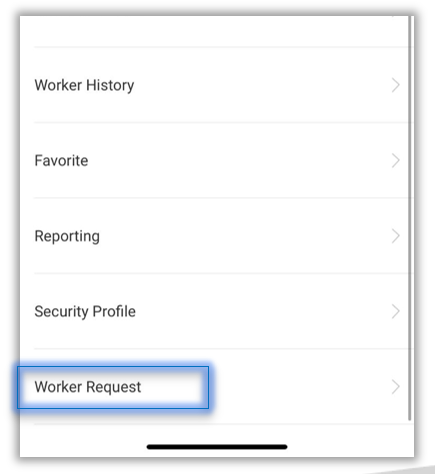
5. Select Request Reference Letter 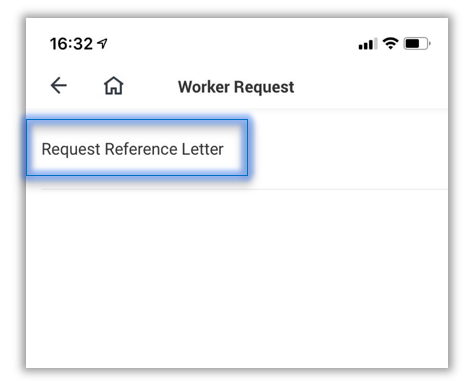
6. Click on the box under reference letter 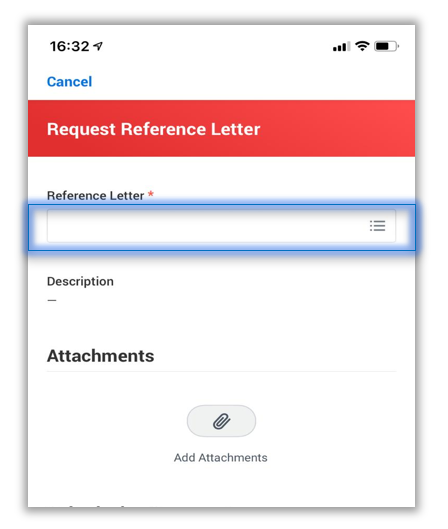
7. Select Reference Letter
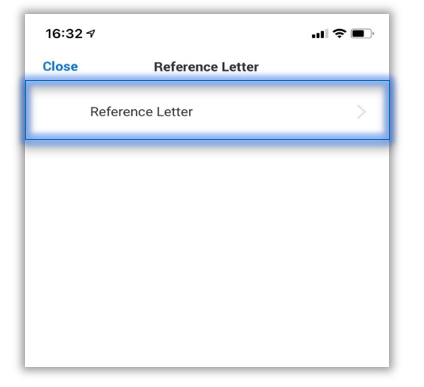
8. Select which type of reference you would like 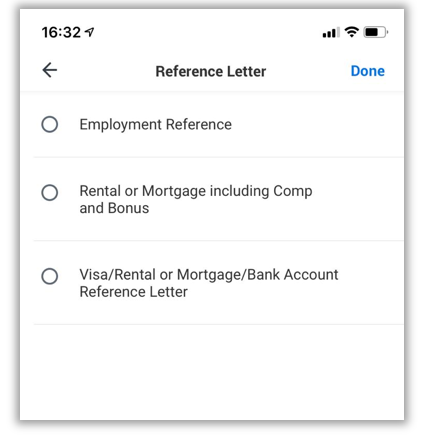
9. Click Submit
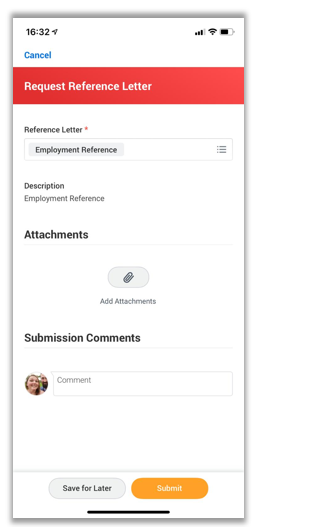
10. The document is now ready to view in your inbox 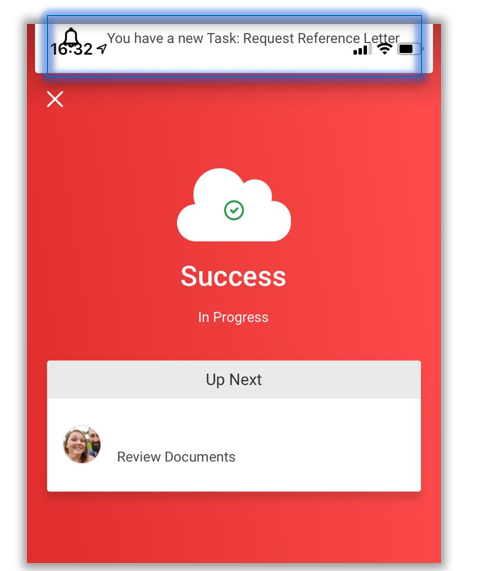
11. Navigate to your workday homepage and click on the inbox 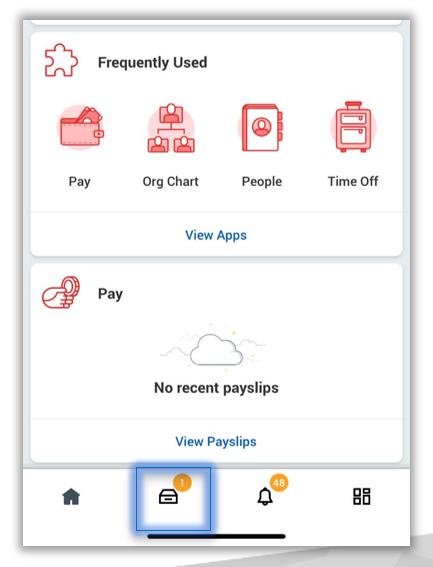
12. Open the inbox item
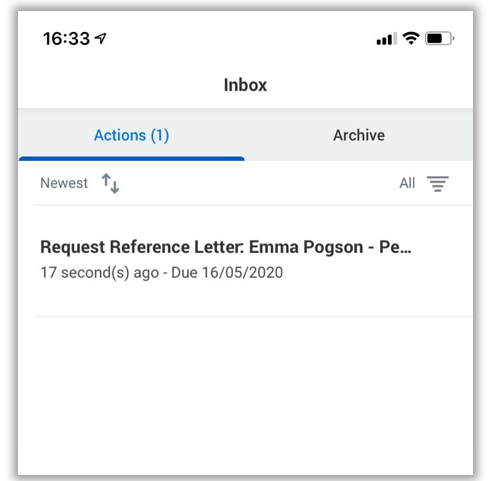
13. Save or print the document. Once you click submit the document will disappear so make sure to save or you will have to request it again.